Account
To start using LiveSpeak, you need to create an account on our website. By doing so, you'll gain access to the free trial of the Pro plan, which is required for LiveSpeak integration.
Developer Credentials
Before you can integrate LiveSpeak into your website or application, you need to generate developer credentials in your profile. This is a simple process — just visit the developer credentials page.
On the developer page, you'll need to create a new application to obtain your App Client ID and App Client Secret values. To do this, enter a name in the Application name field and click the SUBMIT button.

Once the application is created, your App Client ID and App Client Secret values will be displayed.
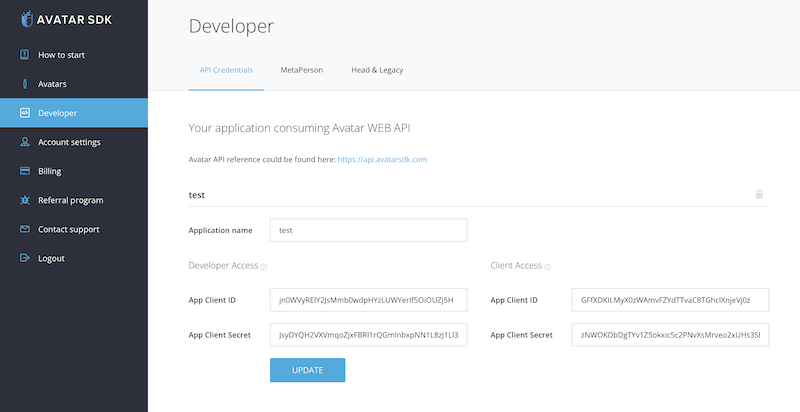
With your developer credentials, you can now integrate LiveSpeak into your website or application.
Next Steps
- Run our samples
- Check the LiveSpeak Integration guide to embed LiveSpeak into your website.
Support
Have a question? Contact us at support@avatarsdk.com.